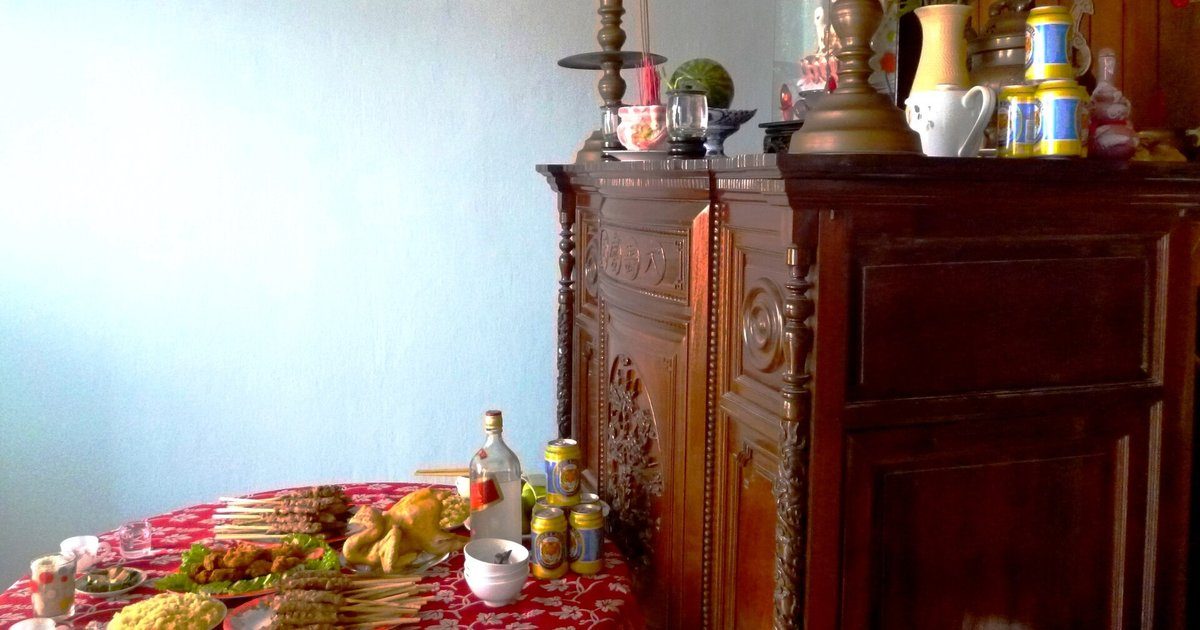

Reminders for the whole family: anniversaries, tasks, prayers and photos in one place
Grandpa's death anniversary is a week away. Grandma lives in the countryside, Uncle Minh in Saigon, Aunt Lan on the other side of the world, and little Na has just started second grade. Nhật Nguyệt Reminders keep everything about the day in one place, so everyone sees the same thing wherever they are.
Who gets told when the day comes?
Everyone in the family group, at the same time. You set the anniversary by its lunar date once, and every year it is converted to the solar date and announced.
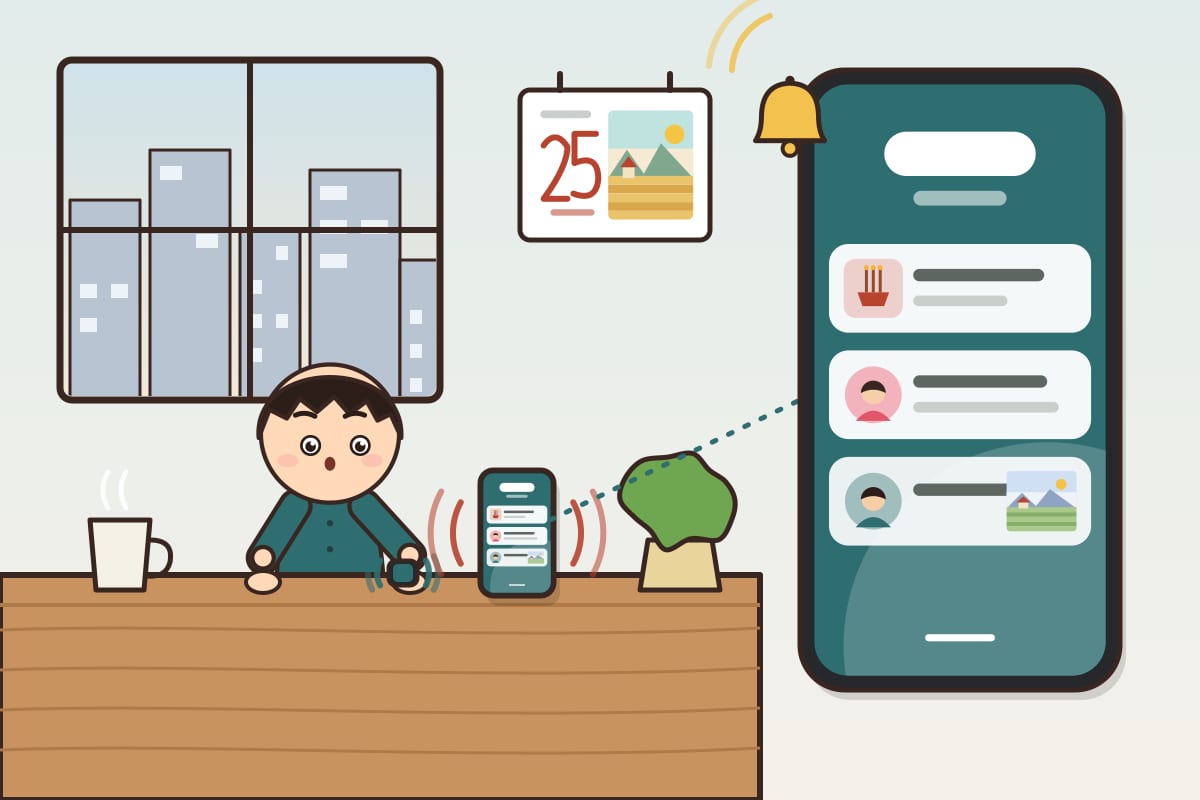
- A new anniversary reminder alerts 1 week and 1 day before by default. You can add 1 month, 2 weeks or 3 days, up to three advance alerts, plus one on the day.
- When someone comments, adds a photo or changes the plan, the news arrives right away.
- Swiped a notification away by mistake? Tap the bell at the top of the app: the latest 20 are kept there, with unread ones marked.
How are the preparations shared out?
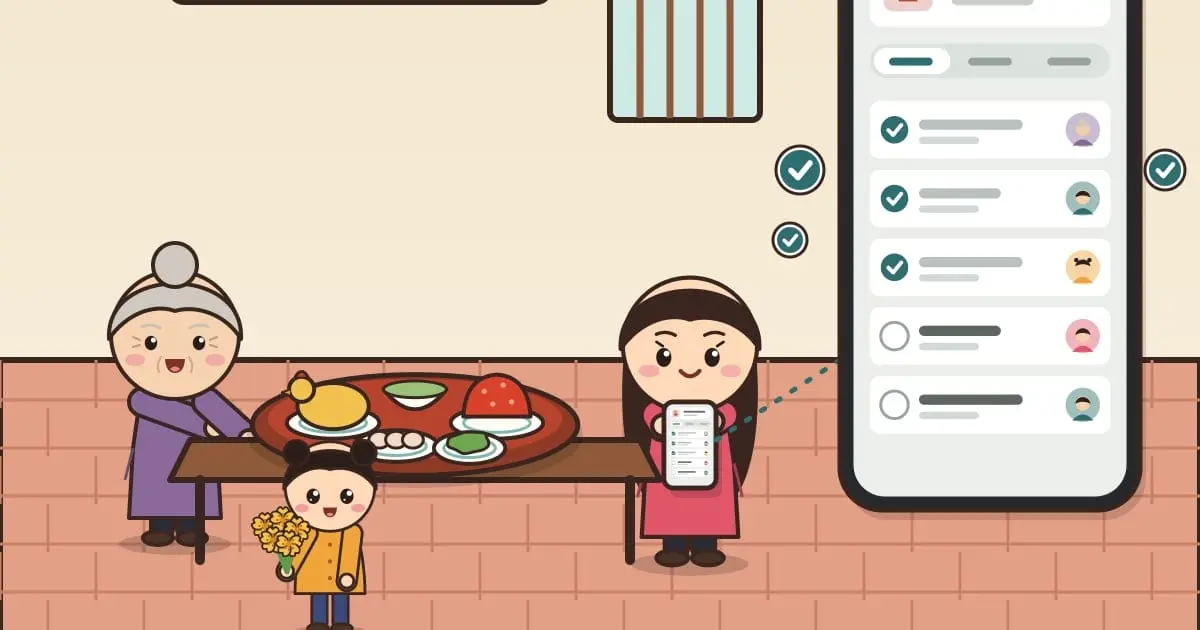
Each anniversary reminder has a task list. Every task names who does it and gets ticked when done.
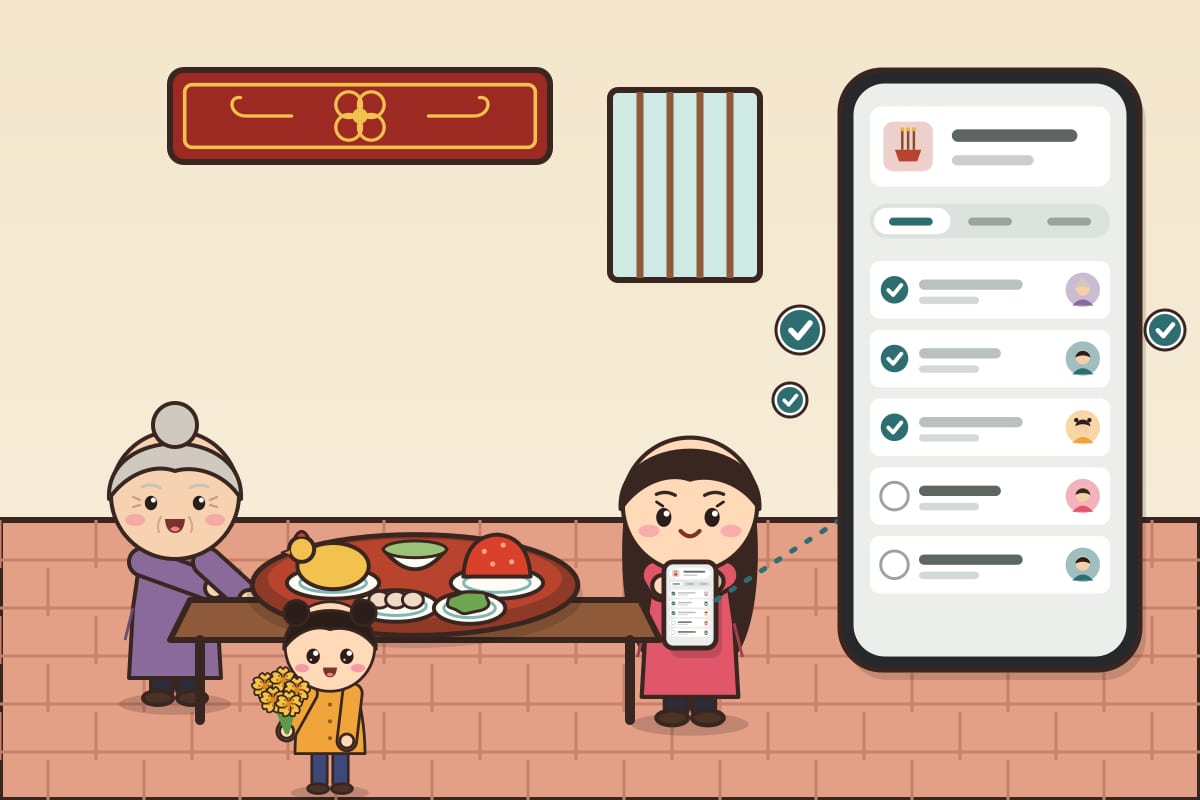
- Choose first anniversary, end of mourning or a regular anniversary: the sample tasks change to match, including the offering on the eve.
- Give each task to someone: the market run, cooking, cleaning the altar, buying flowers.
- People get a notification when a task is assigned to them. One look at the list shows what is left.
Group admins create and edit the plan.
Where are the prayers and customs?
Right on the anniversary reminder. The Prayer text button opens the right text for the year of passing you entered: first anniversary, end of mourning or a regular one.
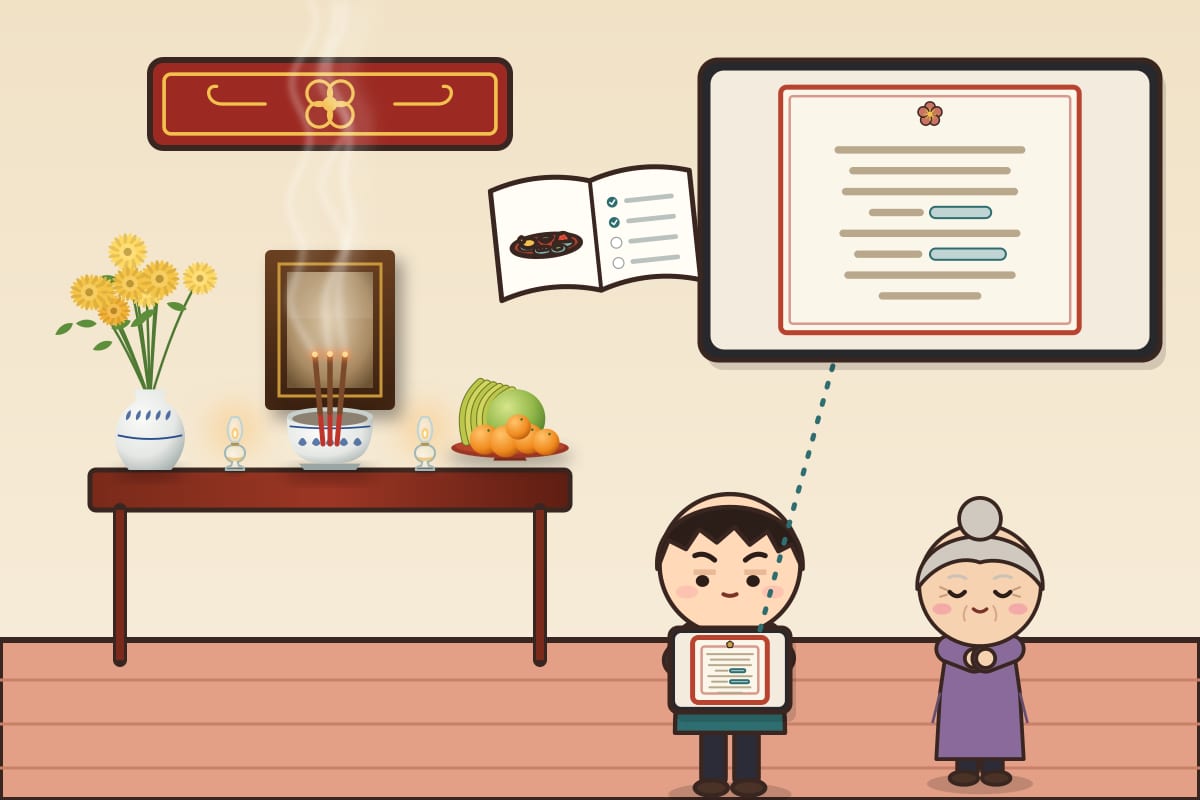
- Type the names and address straight into the prayer. Those fields stay on your device.
- Tasks in the plan link to the matching section of the customs guide: what goes on the tray, the offerings, the order of the ritual.
- The full moon, the year-end offering, a house moving, a shop opening and a baby's first birthday also link to their own prayers.

Who buys what, who arrives when?
Comment right under the reminder, and type @ to call on someone by name.
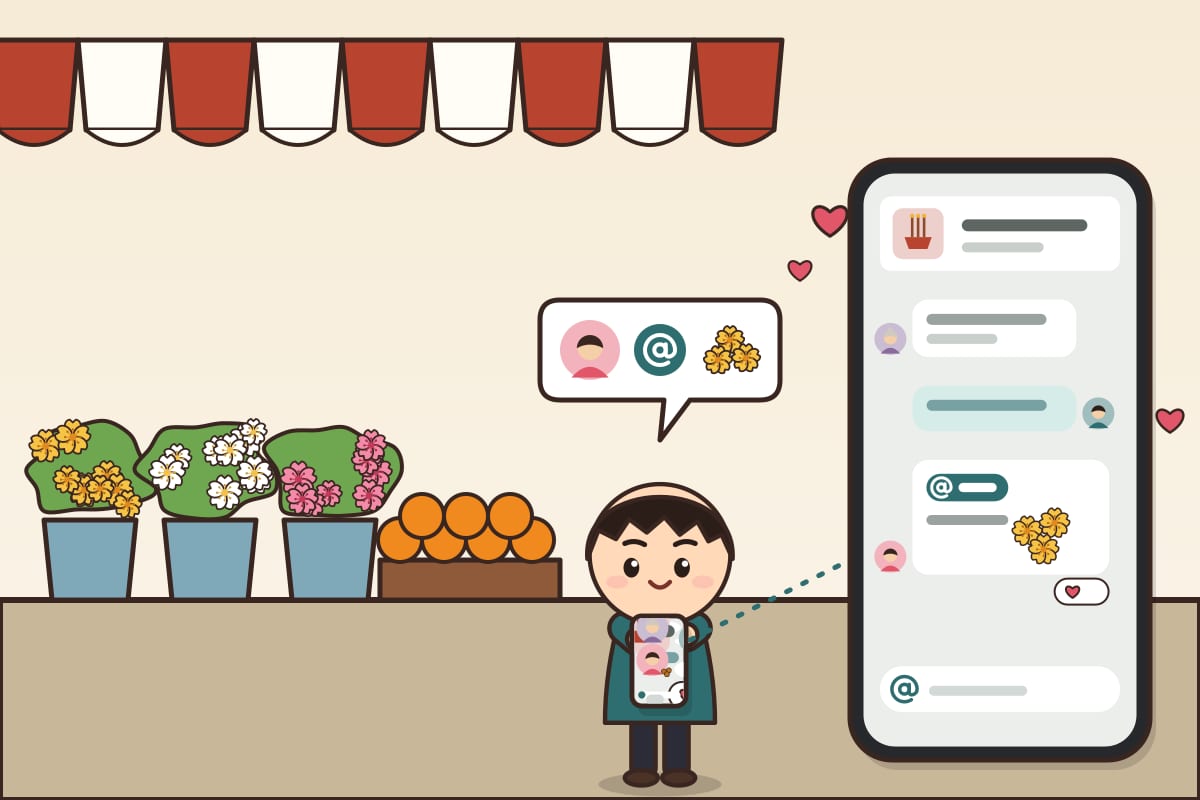
Aunt Lan writes "@Uncle Minh remember the yellow chrysanthemums", and Uncle Minh, already at the market, sees it at once.
- The conversation stays next to the anniversary instead of scrolling away in a group chat.
- Press and hold a comment to react.
Who sees the photos from the day?
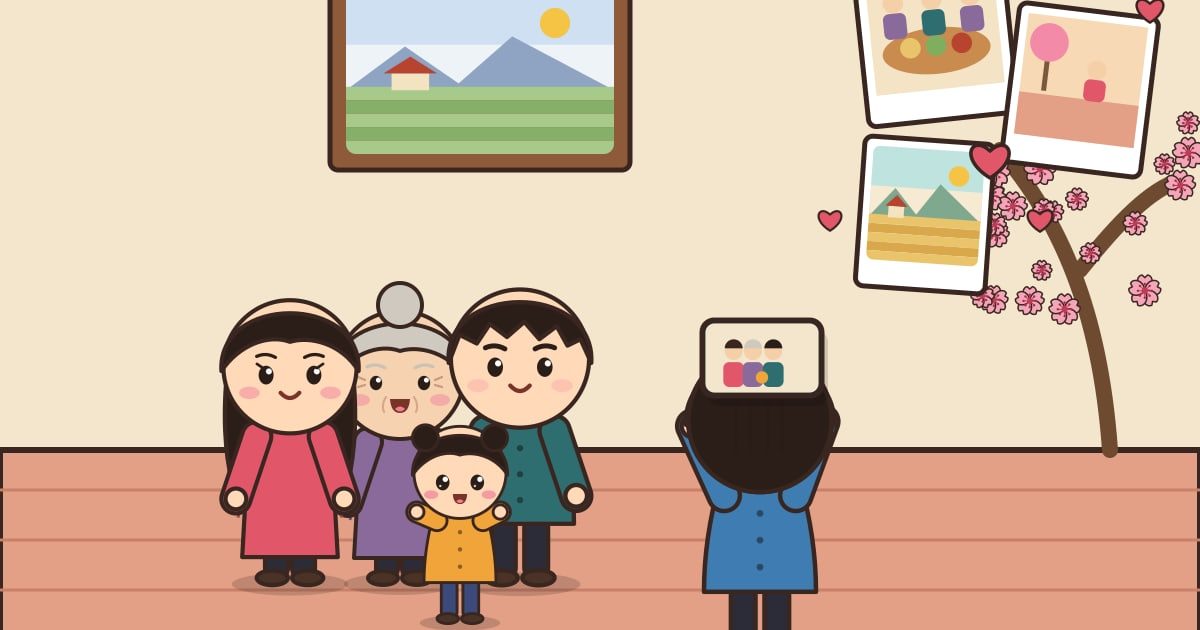
The whole group, in the reminder's shared album, sorted by year.
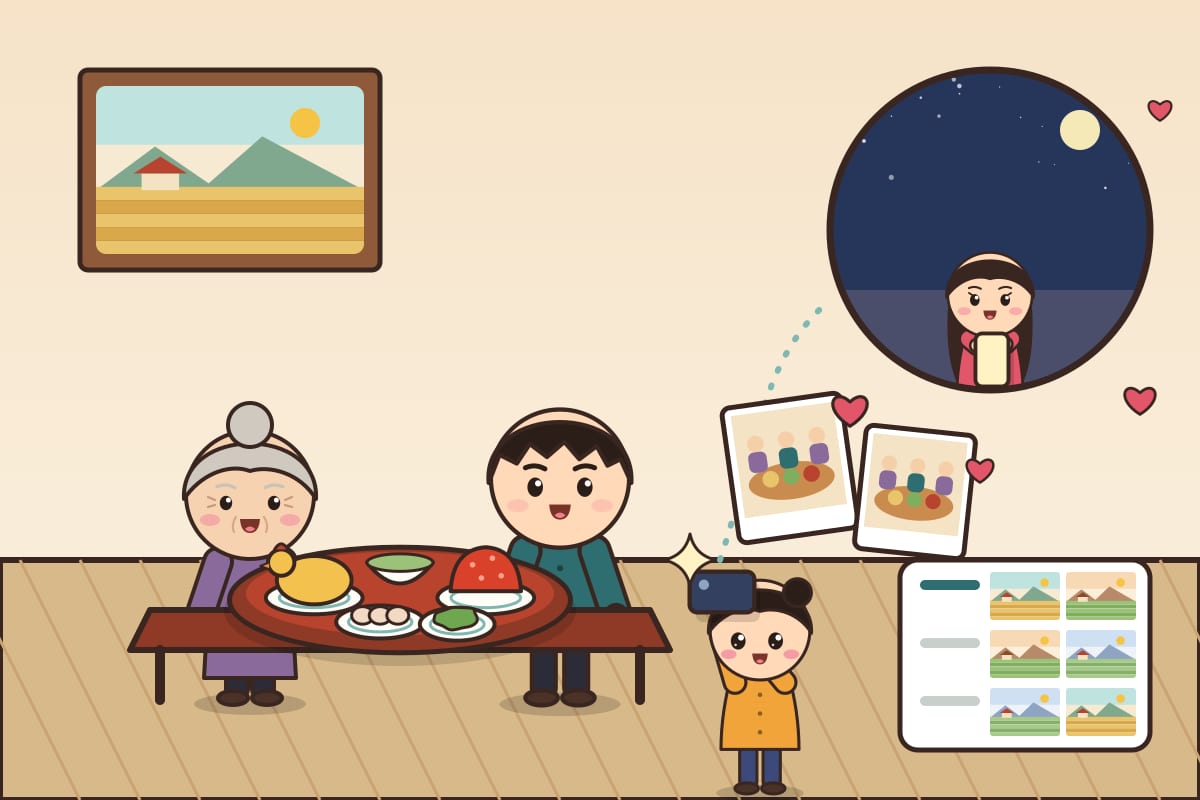
- Na photographs the tray, and Aunt Lan, far away, gets a notification and sees it as soon as she opens the app.
- Each photo carries its own date, and photos from earlier years can be added too.
- Everyone in the group can view the album. Adding photos comes with the Đoàn Viên plan.
How do I start?
- Open the Reminders tab, tap New reminder, choose an anniversary and enter the lunar date.
- In the Groups section, create a family group and send the invite link.
- Under Who is this for?, choose that group.

Ideas for Reminders are welcome at [email protected].