
Nhật Nguyệt app 1.0.8: plan death anniversaries with the family, a morning summary, photos by year
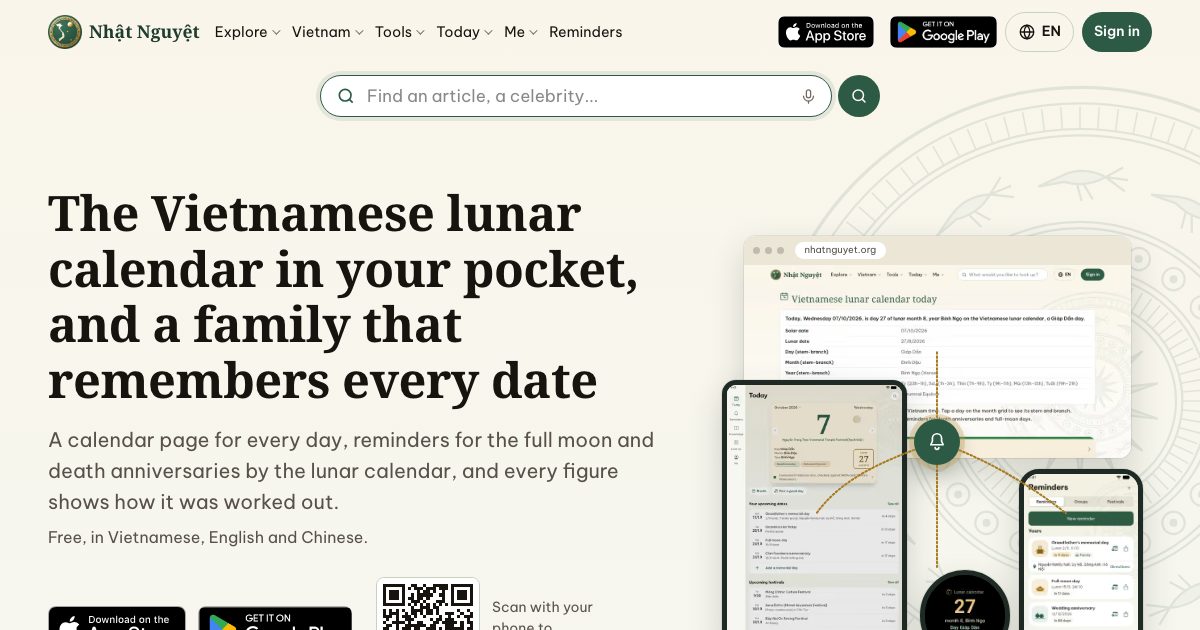
Nhật Nguyệt app version 1.0.8 is rolling out on Android and iPhone; update the app from your store when you see it. It is built around one job: planning a death anniversary (giỗ) with the whole family, from sharing out the tasks to looking back at last year's photos. On Android this is the first update since 1.0.4, so this post covers everything new.
How do you plan a giỗ with the family?
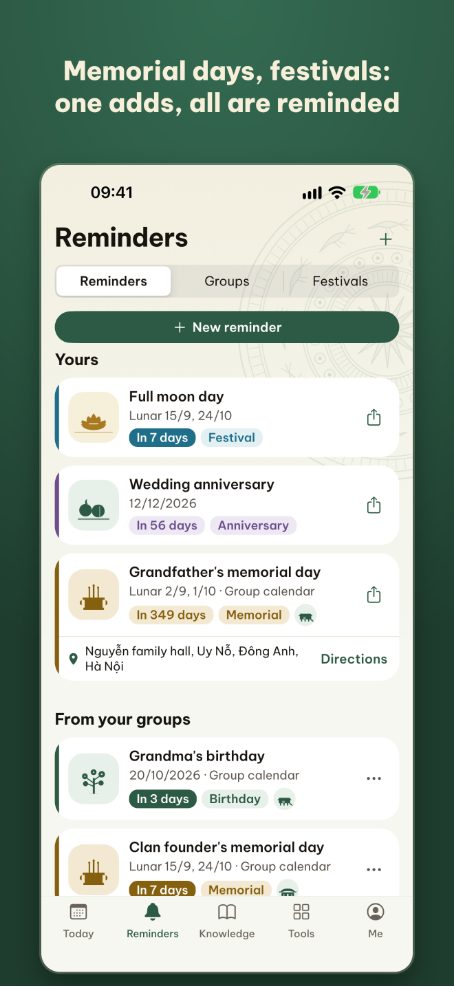
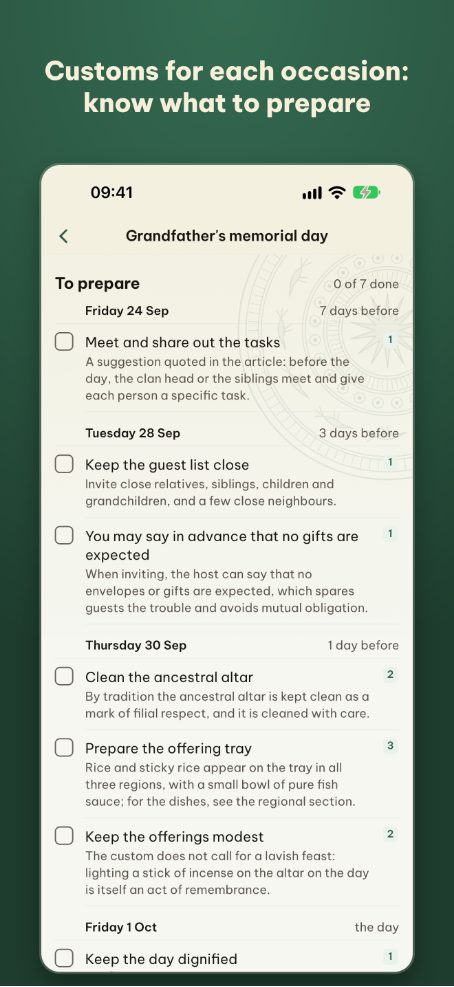
Every group anniversary reminder now has a plan: tasks grouped by how many days before the giỗ, who each task is assigned to, and which are done.
- Choose the type of giỗ: first anniversary, last mourning anniversary or regular anniversary. The task list follows the type, including the offering to the ancestors on the eve.
- Assign tasks to people: who goes to the market, who cooks, who comes home early to tidy the altar.
- The right prayer text: the main offering task opens the prayer text for that type of giỗ.
- Read about the customs: the plan links to an article on the customs of the type you chose.
Group admins create and edit the plan; the person a task is assigned to marks it done and adds notes.
What is new in group comments?
Under each group reminder, the family comments right next to the date: who arrives when, how many trays this year. Messages no longer get lost in a group chat.
- Reactions: press and hold to pick a reaction, tap again to add more.
- Fewer notifications if you want: in the Me tab, under Notifications, you can turn off group change or comment notifications.
What is the daily summary?
Every morning the app can send one notification summing up the day: the lunar date, the auspicious hours and your upcoming reminders. Tap it to open that day's summary page and move day by day. The daily summary is off by default; turn it on and pick the time in the Me tab.
How are memory photos arranged?
Each occasion has one shared album for the family, arranged by year, so one page shows every year.
- Each photo has its own date, which you can change, including photos from earlier years.
- Photos belong to the person who uploaded them: when someone leaves the group, their photos leave too.
Two new tools
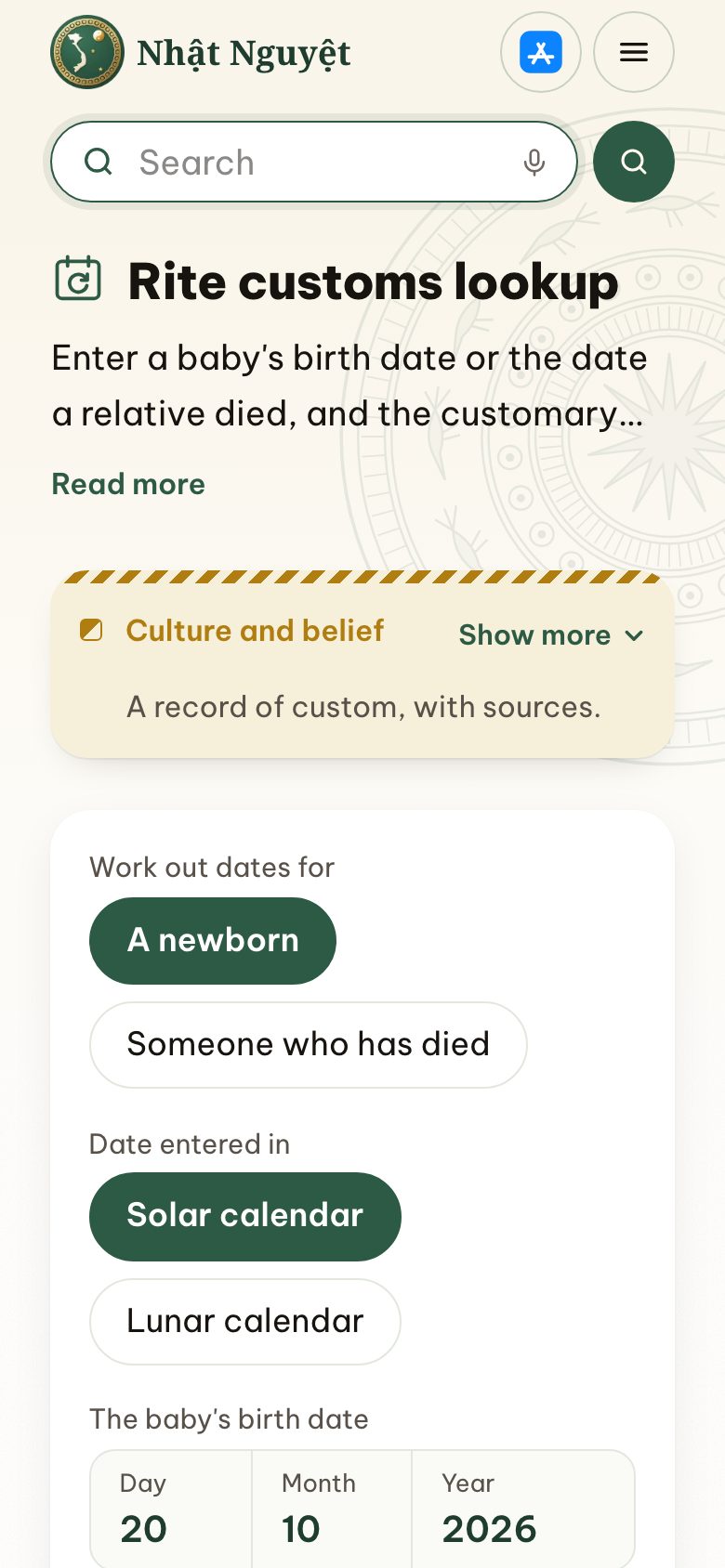
- Rite customs lookup: work out the dates for the one-month celebration, first birthday, 49th day, 100th day, first and last mourning anniversaries, with the customs of each rite.
- Child's birth year by parents' ages: years, months and hours according to each school, stated as traditional rules.
To read more about each occasion, see Vietnamese customs.
Anything else?
- The Today tab has a way into Your life, explained.
- The Reminders tab is tidier: the Reminders, Groups and Festivals sections sit right above the new reminder button, and Your tasks only shows when you have tasks.
- Screens and cards open more smoothly.
The Advanced plan
Version 1.0.8 adds the Advanced plan for families who use the app a lot: more assistant questions, more groups and profiles, and a reading included with each billing period. Compare the plans on the Plans page.
Feedback on the new version is welcome at [email protected].